UE 5.8
AI Vehicle | Smart Throttle & Braking — Game-Ready Vehicle System in UE5 | Part 13
Use road curvature and physics to calculate cornering speed and apply proportional throttle and braking.
About this tutorial
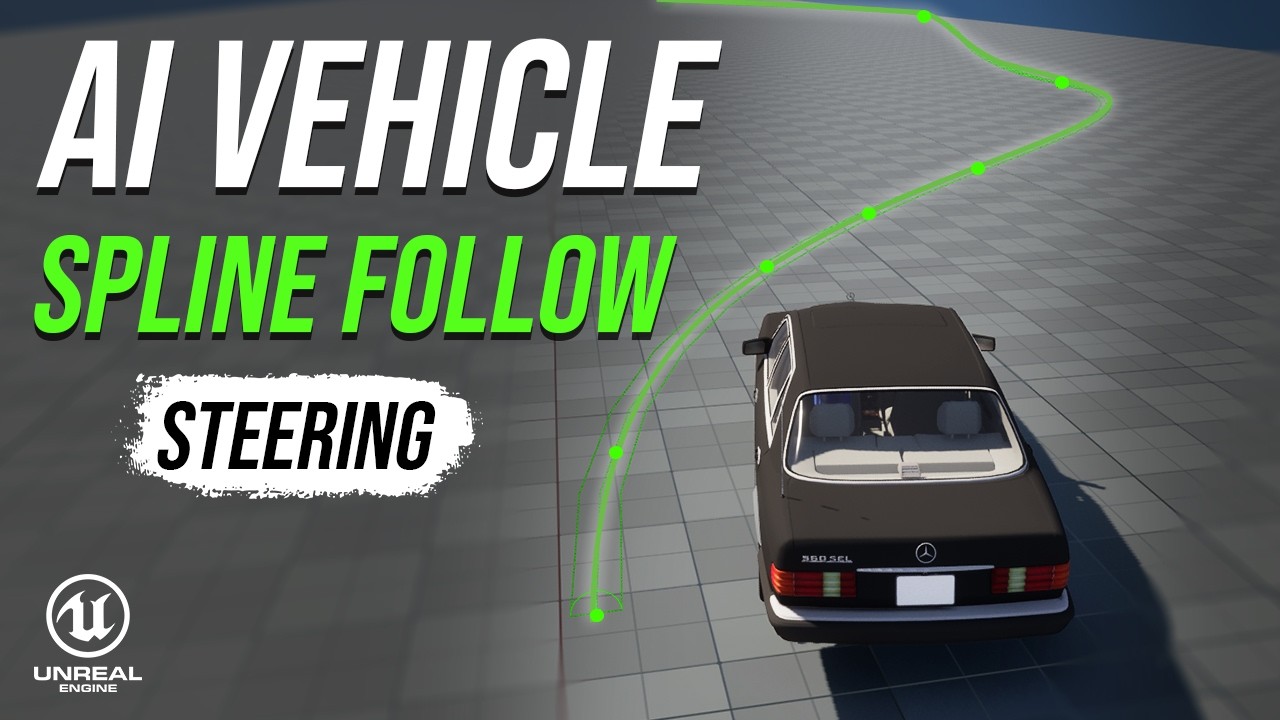
In this tutorial, we give our AI vehicle a brain for the pedals — it reads the road ahead, slows down for corners, and accelerates on straights, all on its own. No more flooring it into every turn. We build the whole thing from the math up, using real physics, then bring it to life in Unreal Engine 5.8.
- Look ahead and sample the road to detect upcoming corners
- Measure how sharply the road bends (curvature)
- Use real physics to calculate a safe speed for every corner
- Convert speed error into smooth, proportional throttle and brake
- Feed it all into the Chaos Vehicle for natural, human-like driving By the end, your AI car eases off the throttle, brakes just enough for the corner, and rolls back on the power as the road opens up — and you’ll understand every number behind it.
📍 GAME-READY VEHICLE SYSTEM — PART 13
📜 License / Credits: Some third-party assets are used in this tutorial. Full credit goes to the original creators.
3D Model: Mercedes Benz 560 SEL Free low-poly 3D model – CGTrader Author: https://www.cgtrader.com/designers/samiart3d License: Royalty Free License Source: https://www.cgtrader.com/free-3d-models/car/car/low-poly-mercedes-benz-560-sel
Music:
-
Space Ambient – Monume License: Free for use under Pixabay Content License Source: https://pixabay.com/music/ambient-space-ambient-547940
-
Space Ambient - playstarz_music License: Free for use under Pixabay Content License Source: https://pixabay.com/music/ambient-space-ambient-435262/